At the bottom of this post, a two-minute video explains it in an easy-to-follow way, with illustrations and side-by-side comparisons. Watch the video ▶
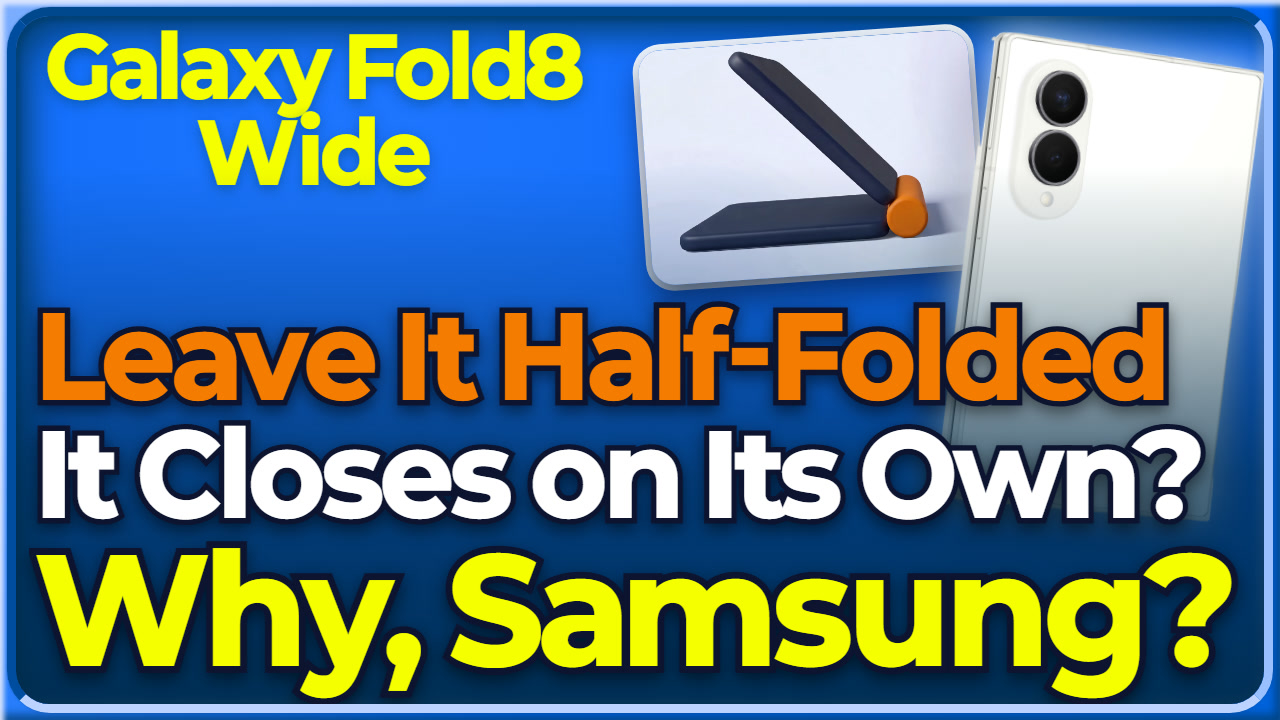
Leave the Galaxy Fold8 Wide half-folded, and it closes on its own. That means Galaxy Fold8 Wide Flex Mode is not supported on this foldable. Why did Samsung build it this way?
Flex Mode lets you half-fold a foldable, stand it up like a laptop, and split the screen into a top half and a bottom half. On YouTube, the video plays on top and the controls or comments go below. In the camera, the phone becomes its own stand, so it partly replaces a tripod for group shots and night photos.
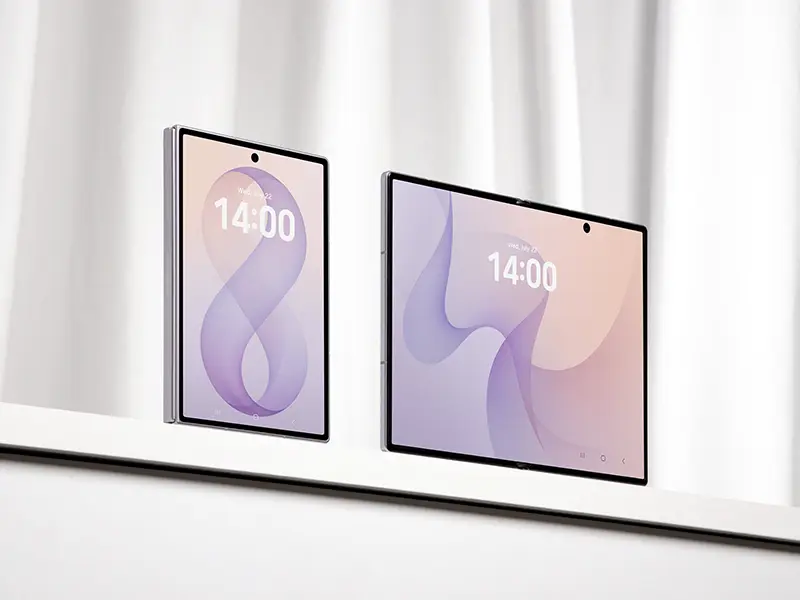
There is no Galaxy Fold8 Wide Flex Mode support. The reason is the hinge, the joint that connects the two halves of the phone. SamMobile, a site that covers Samsung news, said the Wide uses a simpler hinge than the Ultra, and it was never designed with Flex Mode in mind.
The tech site Engadget went into more detail. Because of how the hinge springs behave, the phone closes on its own if you leave it half-folded. Only fully closed and fully open hold steady.
So can you not stand it up at all? Engadget added that tent mode, where you flip the phone screen-out and prop it up, still works. Put the two explanations together, and the Wide was built from the start without Flex Mode in the plan.
Personally, missing Flex Mode on the Wide is a real loss for me. You can stand the phone on a desk, set a comfortable viewing angle, and watch YouTube without a separate stand. For more on the Galaxy Fold8 Wide, watch the full videos.
Galaxy Fold8 Wide Flex Mode Key numbers
- Flex Mode: not supported on the Fold8 Wide / supported on the Ultra
- Positions that hold steady: fully closed and fully open only (Engadget)
- Tent mode (flipped screen-out and propped up): still works
💡 FAQ
Q1. What is Flex Mode?
Flex Mode lets you half-fold a foldable so it stands like a tiny laptop, then splits the screen into a top half and a bottom half. On YouTube, video plays up top while playback controls or the comment section sit underneath. In the camera, the phone becomes its own stand, so it stands in for a tripod to a degree in group shots and night photography.
Q2. Is Flex Mode the same as multi-window?
No. Flex Mode has a single app divide its own interface around the fold angle, while multi-window places two different apps on the unfolded screen.
Q3. Has Samsung said why the hinge is simpler?
No. SamMobile summed it up as the Fold8 Wide using a simpler hinge than the Ultra, never designed with Flex Mode in mind. Whether the simpler hinge came down to cost or to some other design goal, Samsung hasn’t said.
Watch next
- 📝 Full specs and details 👉 Galaxy Fold8 Wide Specs In Depth, 4 Differences from the Ultra
- Full video (8 min) 👉 Why Is the Galaxy Fold8 Wide 4:3? The 10:16 Cover Screen and Why Flex Mode Is Gone