At the bottom of this post, a two-minute video explains it in an easy-to-follow way, with illustrations and side-by-side comparisons. Watch the video ▶
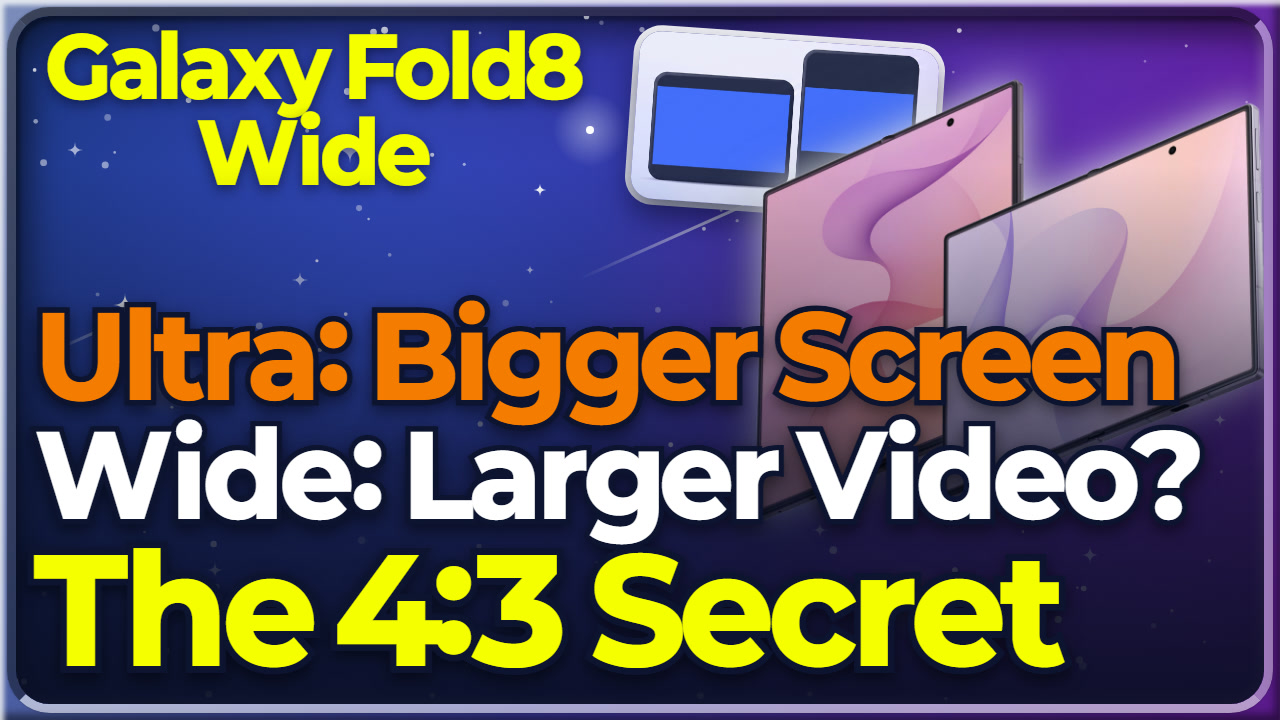
A video looks slightly larger on the smaller Wide than on the bigger Ultra. Open, the Galaxy Fold8 Wide screen size is 7.6 inches against the Ultra’s 8.0, so the Wide is the smaller one. How does a smaller screen show a larger video?
The answer is the screen ratio. On the older Fold models, a 16:9 video left wide black bars above and below, because the screen is close to a square. The Ultra continues that line and has the same bars. Those black bars are letterbox margins. Open, the Wide’s main screen is 4:3, so the margins shrink.
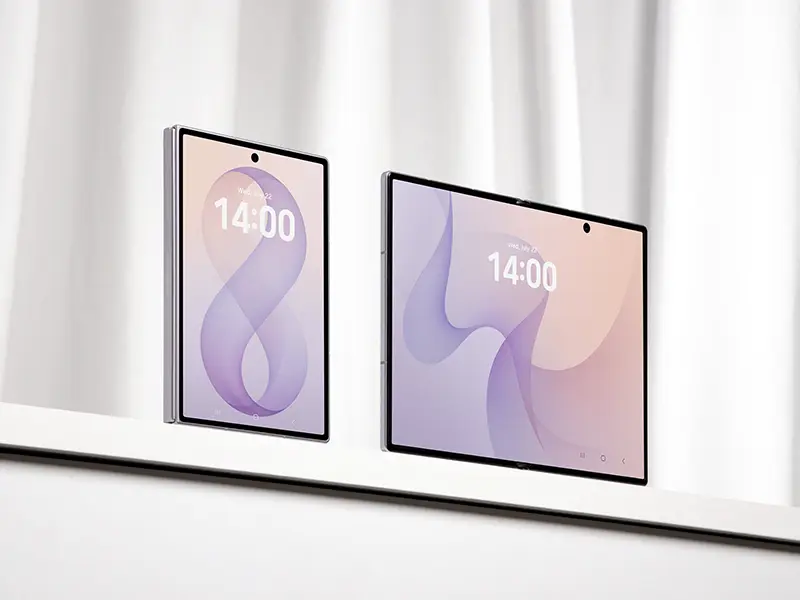
The Ultra’s open screen is about 1.1:1. Its extra screen area does not go into making the video larger. It is filled by black margins at the top and bottom. The Galaxy Fold8 Wide screen size is smaller, and yet its video area is larger than the Ultra’s.
Samsung explains it this way. Open, the Wide’s 4:3 main screen cuts down unused space, which suits video, gaming, and long reading. Stand the same screen upright and the ratio is close to 3:4, a shape Samsung says it intended for reading articles and e-books.
The interesting part is that 4:3 is the ratio the iPad has kept for years. Folded, turn the 10:16 cover screen on its side and you get the 16:10 of the Galaxy Tab. The two screens each borrowed a tablet ratio, one from Apple and one from Samsung.
There is a downside. Set the folded cover screen next to an iPhone 17 Pro, and the iPhone fits more information on a single screen. That is the view of GSMArena, a phone review site. If you scroll through long feeds, you scroll more on the Wide. For more on the Galaxy Fold8 Wide, watch the full videos.
Galaxy Fold8 Wide screen size Key numbers
- Open screen: Fold8 Wide 7.6-inch 4:3 / Ultra 8.0-inch approx. 1.1:1
- 16:9 video: the Fold8 Wide shows a slightly larger image area (Engadget)
- Cover screen: Fold8 Wide 5.5-inch 10:16 / Ultra 6.5-inch 21:9
💡 FAQ
Q1. What is letterboxing?
Letterbox margins are the black bars above and below a 16:9 video. On the older Fold models, whose screen ratio sits close to a square, those bars are thick. The Fold8 Wide’s 4:3 main screen shrinks them.
Q2. Why does video look smaller on the Ultra’s bigger screen?
The Ultra’s main screen is 8.0 inches at roughly 1.1:1, so the extra area doesn’t go into making the video larger. It gets eaten by black margin at the top and bottom. Engadget found that when playing 16:9 content, the Fold8 Wide shows a slightly larger image area than the Ultra despite the Ultra’s bigger diagonal.
Q3. What else is the 4:3 screen good for?
Samsung explained that the 4:3 main screen cuts down unused empty space, which suits video, gaming immersion and long-form reading. Stand it upright and you land near 3:4, a shape Samsung says it intended for reading articles and ebooks.
Watch next
- 📝 Full specs and details 👉 Galaxy Fold8 Wide Specs In Depth, 4 Differences from the Ultra
- Full video (8 min) 👉 Why Is the Galaxy Fold8 Wide 4:3? The 10:16 Cover Screen and Why Flex Mode Is Gone